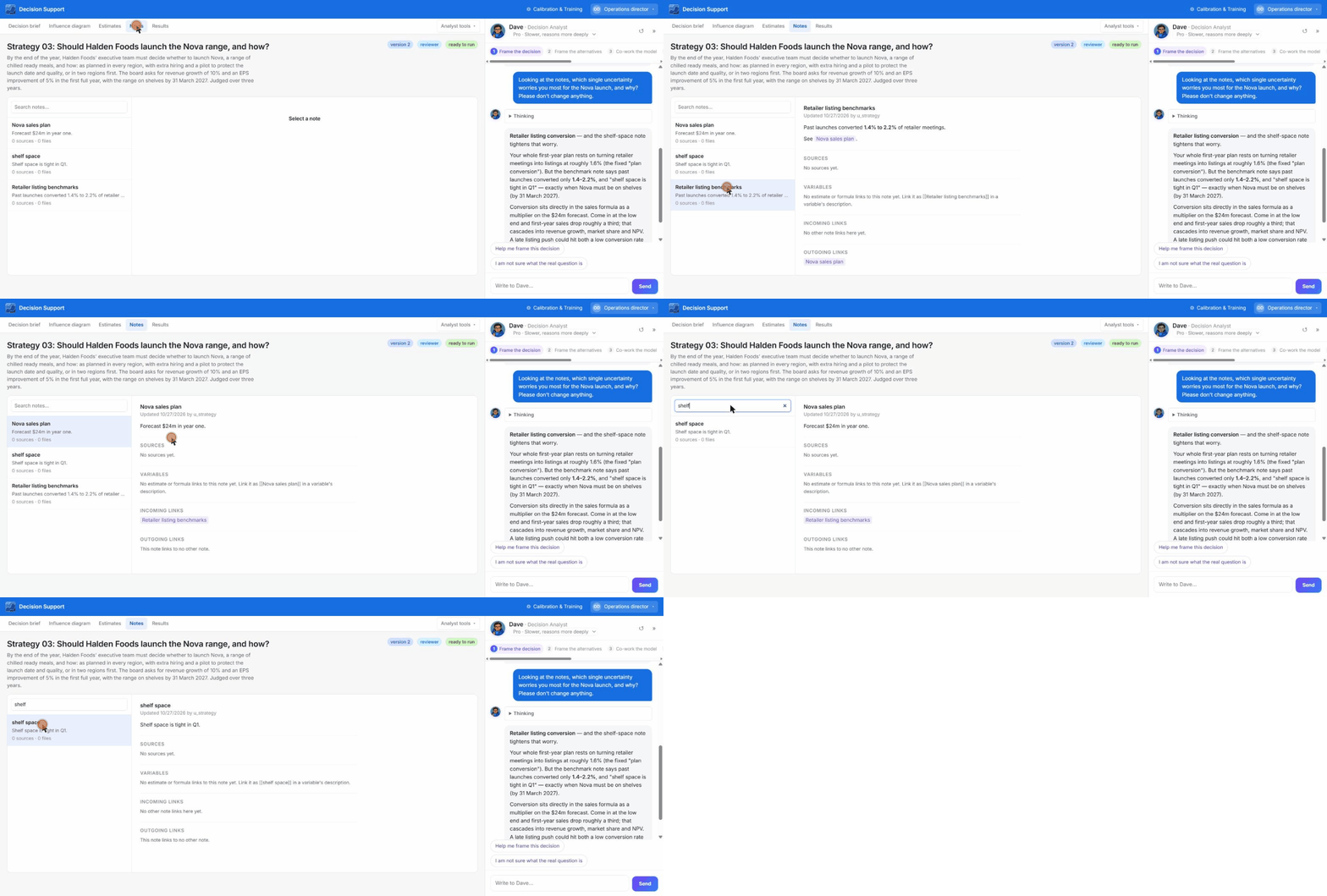
What a note is
A note has a title, Markdown text, sources, and optionally attached.md, .txt or .csv files. There is one kind of note.
Linking
- Link notes with
[[Title]](not case-sensitive). A note page lists its sources, the variables that cite it, incoming links and outgoing links. - Keep variable descriptions short. One sentence plus “See [[note]]”, 240 characters at most. Put the evidence and reasoning in the note.
- A decision note beats a workspace note of the same title.
Writing notes automatically
Saving an estimate with web sources, or accepting a research proposal, writes the evidence note for you.Workspace notes
Workspace notes show Used in decisions. Renaming a note rewrites links in other notes, but not in variable text already saved in a model version.Editing notes or descriptions does not make saved runs out of date.